 TelchinDomus
Arducam B0520 enclosure & tripod mount
An enclosure that lets you attach the Arducam B0520 USB camera to a standard ¼″ tripod mount.
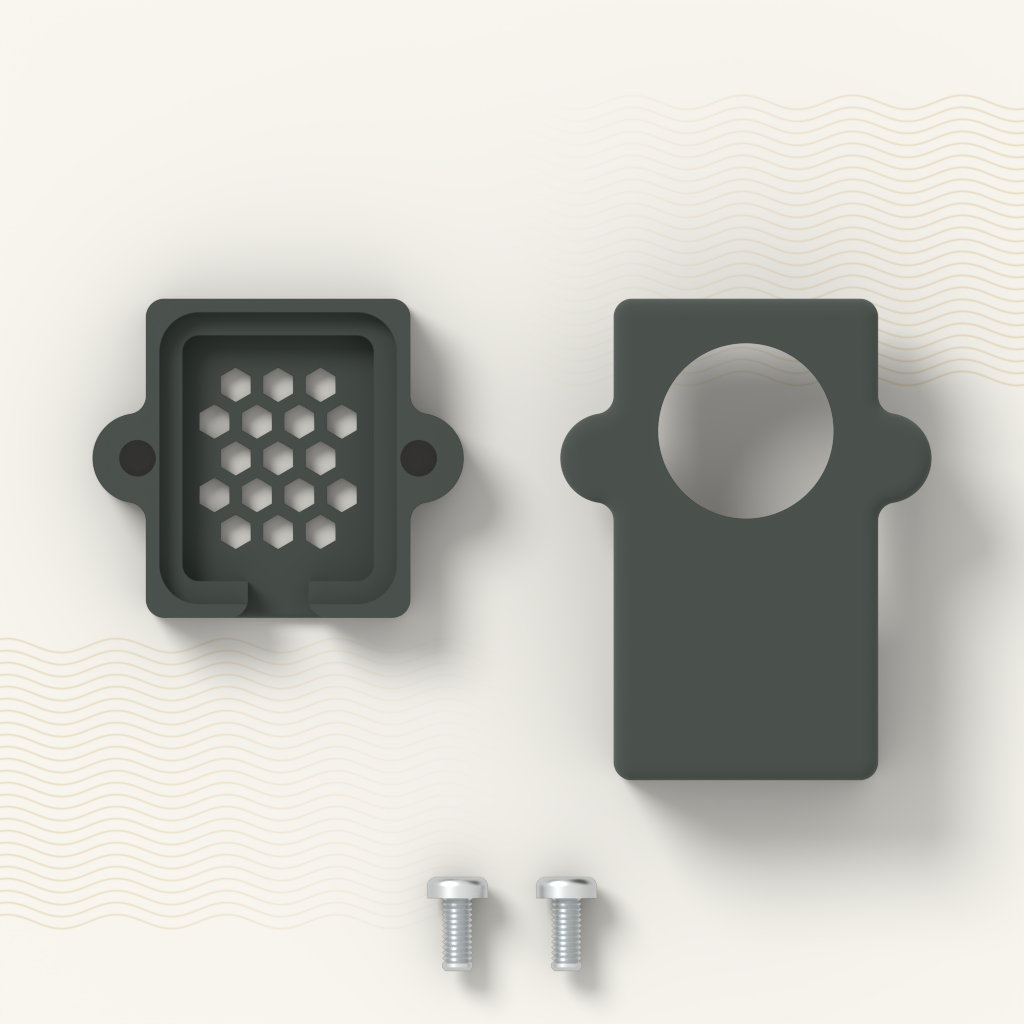
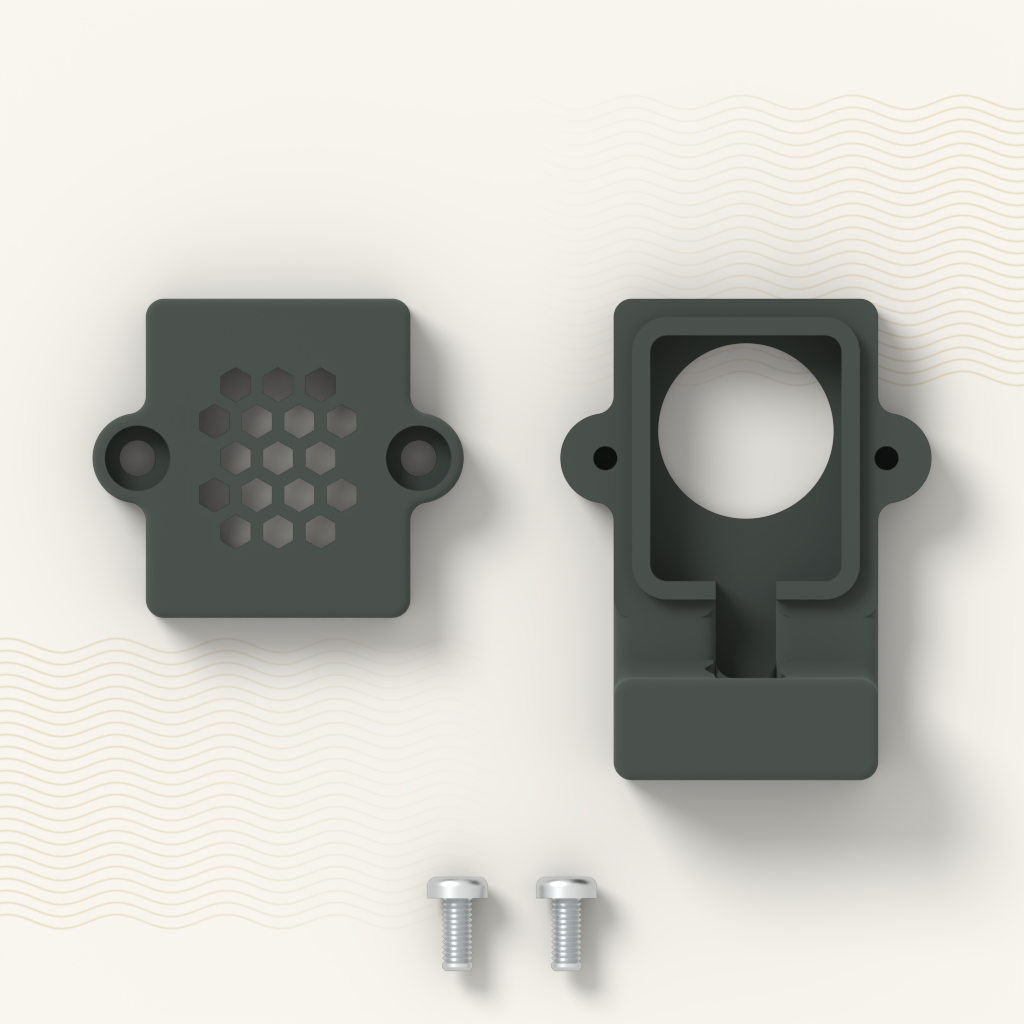
Parts and hardware
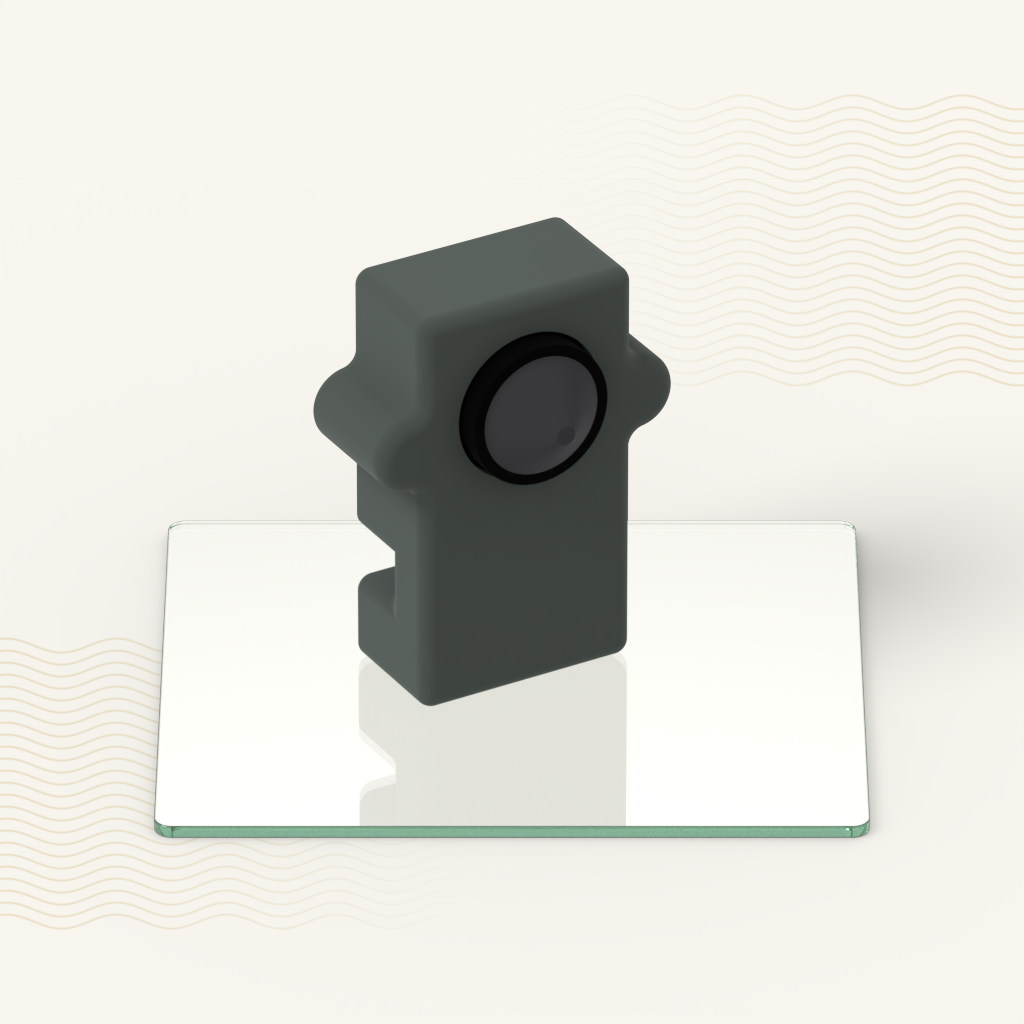
The enclosure fits the Arducam B0520, a 2MP USB camera with an IMX291 sensor. The front part has the lens opening and a ¼″-20 UNC thread for the tripod. The rear cover has vents, and the USB cable passes through a channel behind the mount.
You’ll need the camera, the two printed parts and two M2.5 × 6 mm pan-head screws. The tripod thread is printed directly into the front part, so no insert is needed.
The STL files and instructions are free on Cults3D under CC BY-NC-SA 4.0. You can share and adapt the model for non-commercial use, with attribution and under the same licence.
Printing
We printed the enclosure in black Anycubic ABS-Like Pro 2 resin on a Photon Mono X 6Ks, using 0.03 mm layers. Calibrate exposure for your own resin and printer.
Print both parts on short supports, tilted 15°:
- Rear cover: outer face towards the build plate.
- Front part: lens opening towards the build plate, with the tripod mount pointing up and to the side.
Assembly
Place the camera in the front part and route the USB cable through the slot into the channel behind the tripod mount. Attach the rear cover with two M2.5 × 6 mm screws inserted from the back. The screws cut their own threads in the plastic.